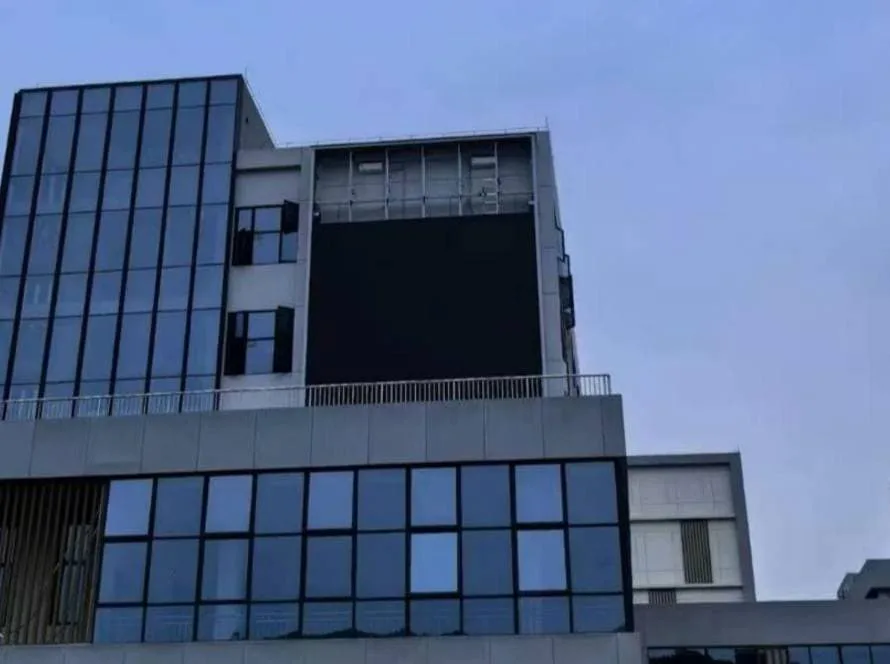
LED displays are known for their high brightness, long lifespan, and excellent image quality. However, like any electronic equipment, they may occasionally experience performance issues after long-term use or improper installation.
The good news is that many common LED display problems can be identified and resolved without replacing the entire screen. In this guide, we’ll look at the most frequent issues, their possible causes, and practical solutions to keep your LED display running smoothly.
1. Black Screen
A black screen is one of the most common issues users encounter.
Possible Causes
- Power supply failure
- Loose or damaged power cable
- Faulty receiving card
- Incorrect controller settings
How to Fix
- Check whether the power supply is working properly.
- Inspect all power cable connections.
- Restart the control system.
- Verify that the receiving card is functioning correctly.
If the screen remains black after these checks, professional technical support may be required.
2. Flickering Display
If your LED display flickers continuously, the viewing experience will be affected and prolonged operation may damage components.
Possible Causes
- Loose signal cable
- Unstable input signal
- Incorrect refresh rate settings
- Damaged LED module
How to Fix
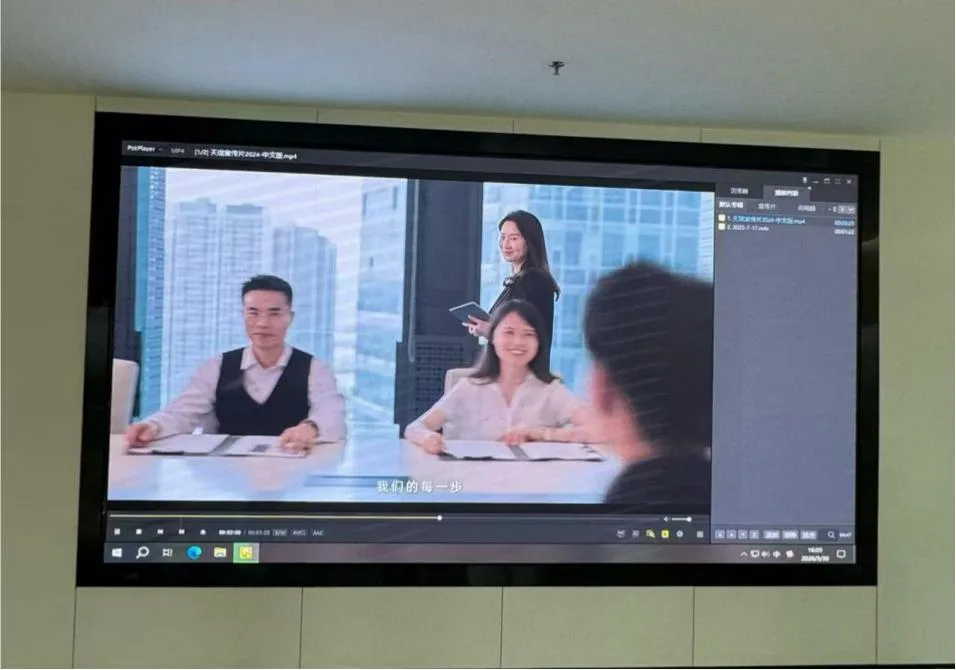
- Secure all signal cable connections.
- Replace damaged cables if necessary.
- Check the controller’s refresh rate settings.
- Test individual LED modules to locate the faulty section.
3. Dead Pixels or Dark Modules
Sometimes individual LEDs or an entire module stop lighting up.
Possible Causes
- Aging LED lamps
- Module failure
- Loose internal connectors
How to Fix
- Check internal cable connections.
- Replace the defective LED module.
- Inspect the receiving card if multiple modules are affected.
Replacing a single module is usually much more cost-effective than replacing the entire display.
4. Uneven Brightness or Color
If some areas appear brighter or display different colors, image quality can be noticeably reduced.
Possible Causes
- Different batches of LED modules
- Incorrect brightness calibration
- Aging LEDs
- Controller configuration issues
How to Fix
- Recalibrate brightness and color settings.
- Replace modules with significant color differences.
- Update display control software if necessary.
Regular calibration helps maintain a consistent viewing experience.
5. Water Damage
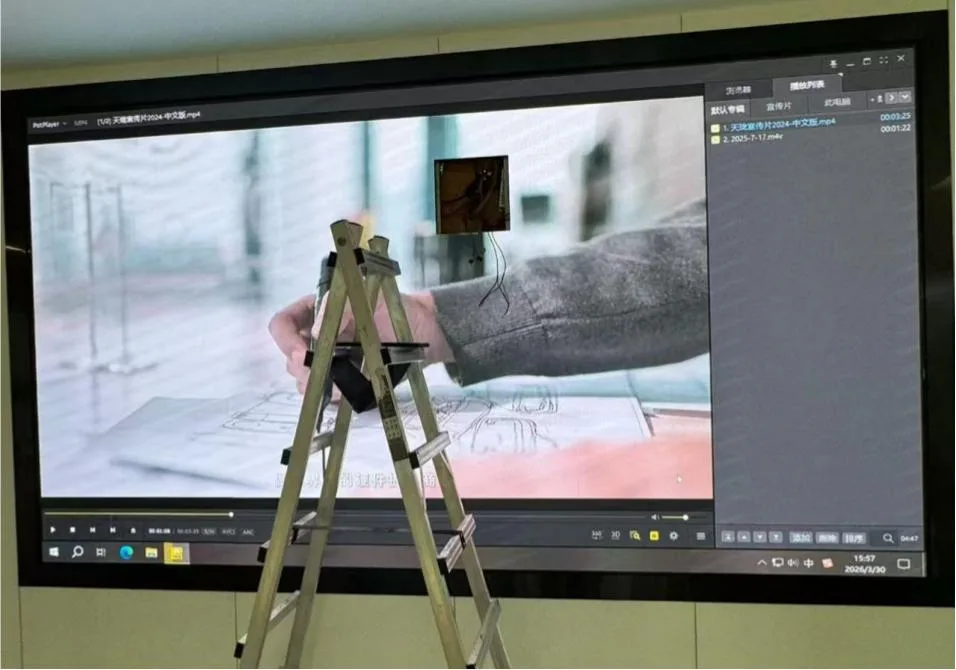
Outdoor LED displays are designed for all-weather use, but poor installation or damaged seals can still allow moisture to enter.
Possible Causes
- Broken waterproof seals
- Damaged cabinet doors
- Improper cable sealing
- Extreme weather conditions
How to Fix
- Turn off the power immediately.
- Dry the affected components completely before restarting.
- Replace damaged waterproof gaskets or connectors.
- Inspect the cabinet for any signs of corrosion.
Routine inspections can greatly reduce the risk of water-related failures.
6. Communication Failure
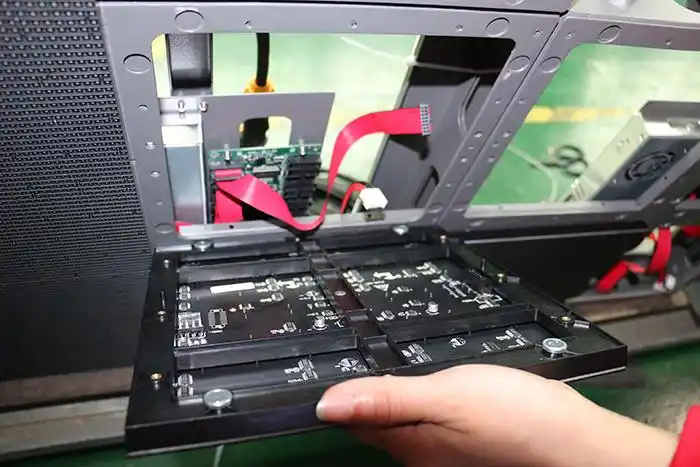
Sometimes the display cannot receive content from the control system.
Possible Causes
- Network cable failure
- Controller malfunction
- Incorrect software configuration
- IP address conflicts
How to Fix
- Check all network connections.
- Restart the sending controller.
- Confirm software settings and communication parameters.
- Replace damaged Ethernet cables if necessary.
Preventive Maintenance Tips
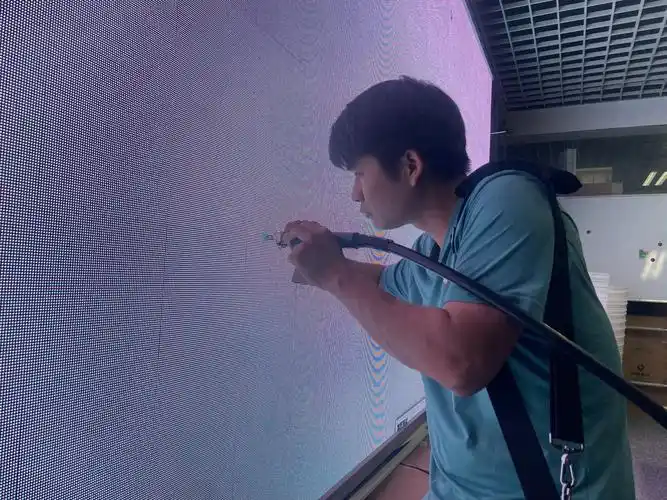
Many LED display problems can be avoided through regular maintenance.
Here are a few simple recommendations:
- Clean the display surface regularly.
- Inspect power and signal cables.
- Check waterproof seals on outdoor screens.
- Keep ventilation openings free from dust.
- Update the control software when recommended.
- Schedule routine inspections for long-term installations.
Preventive maintenance not only reduces unexpected failures but also extends the lifespan of the LED display.